

Have you wanted to make custom icons for macOS Tahoe and been annoyed that Icon Composer exports icons too big and without shadows? Icon Builder exports finished icons with consistent margins without having to do it manually.
Instructions
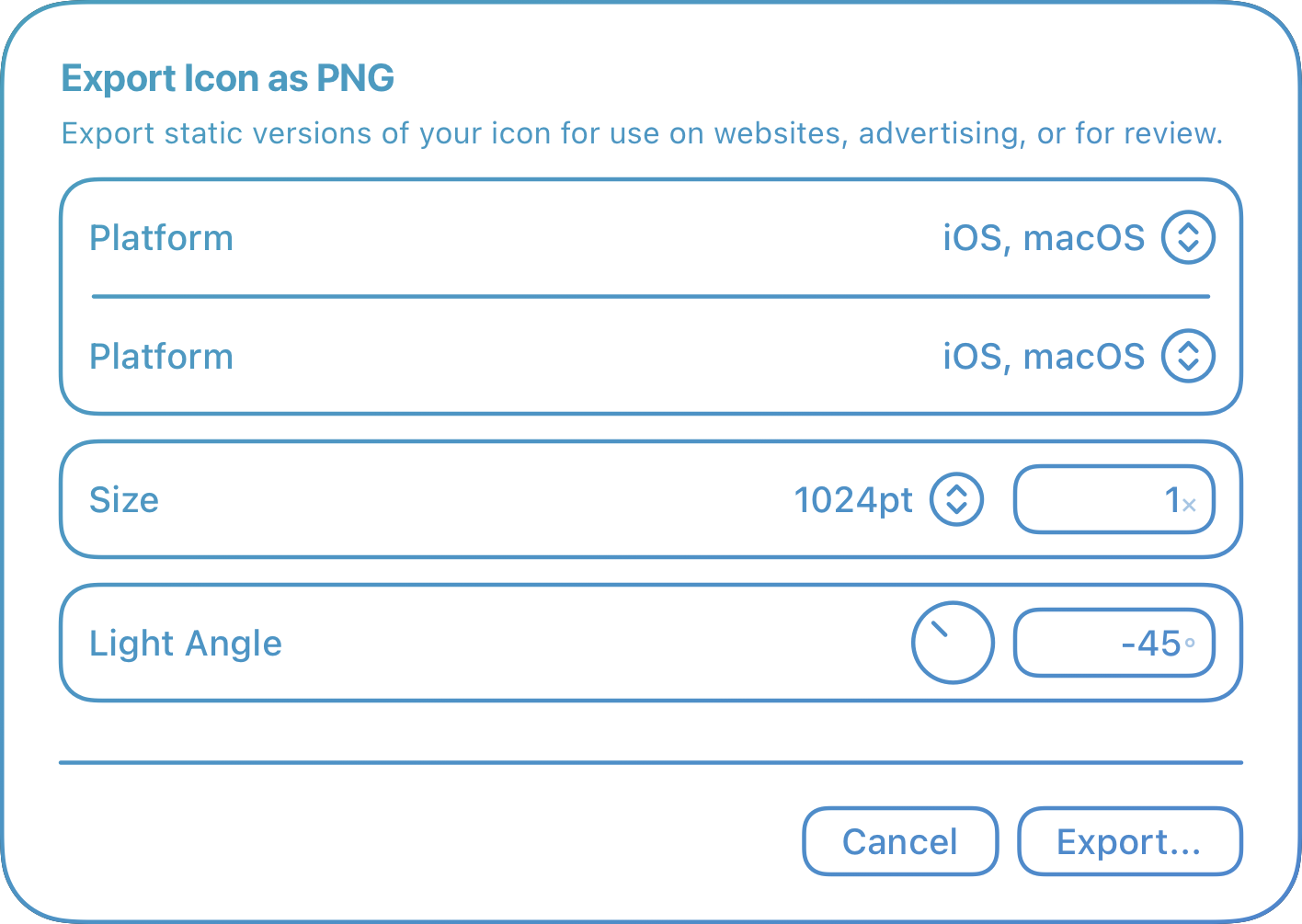
- Export your icon from Icon Composer
-
Using Icons
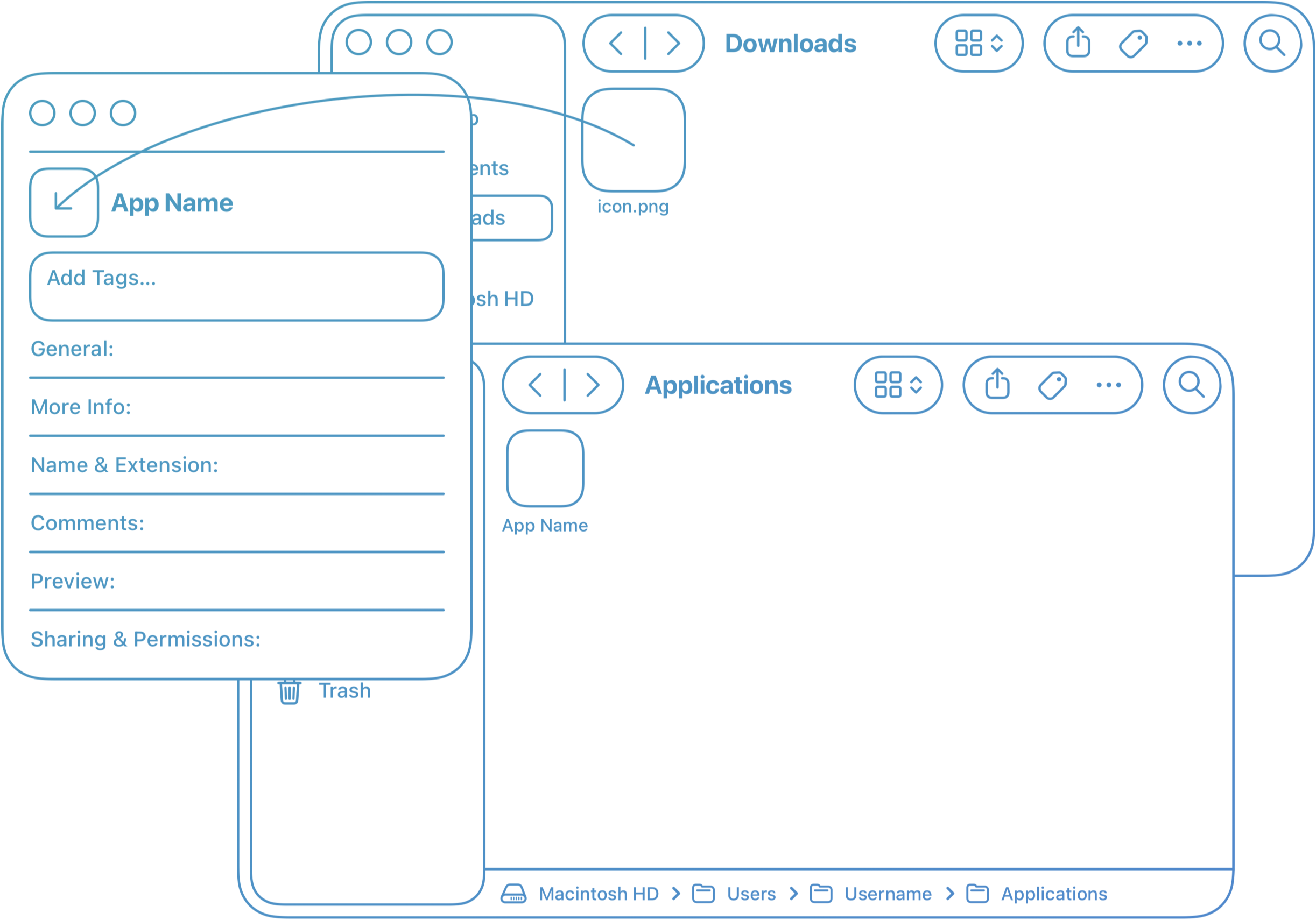
- Find the app and Get Info
- Drag the exported icon to the icon in the Get Info window
-

- You're done!
-

- Open Terminal and paste these commands:
-
cd Applications;
-
mkdir "App Name.app";
-
cd "App Name.app";
-
ln -s /System/Applications/App\ Name.app/Contents
- Open Macintosh HD/Users/Username/Applications, select the app, and Get Info
- Drag the exported icon to the icon in the Get Info window
-
- Drag the app to the dock and remove the original
-

- You're done!
-